Kit Test
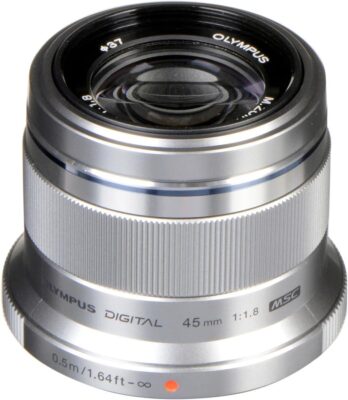
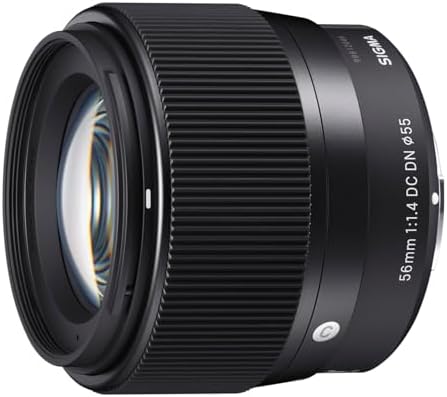
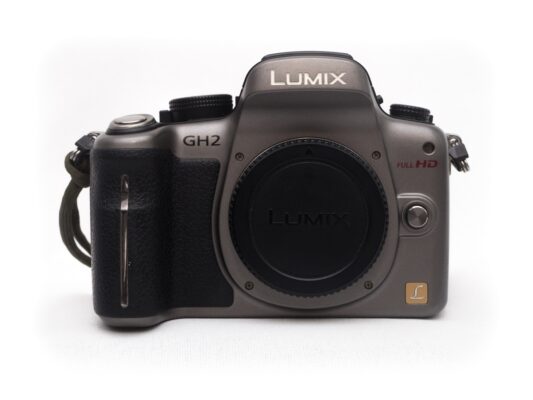
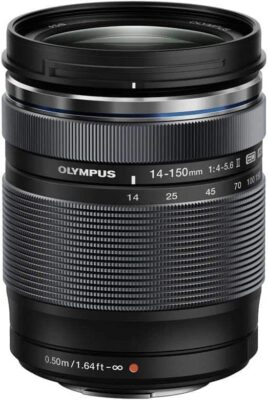
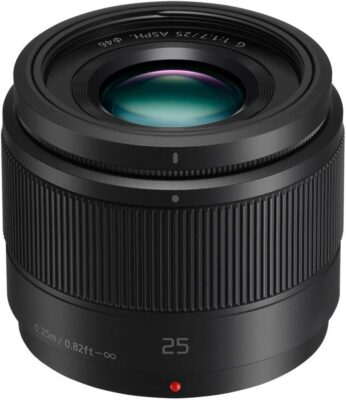
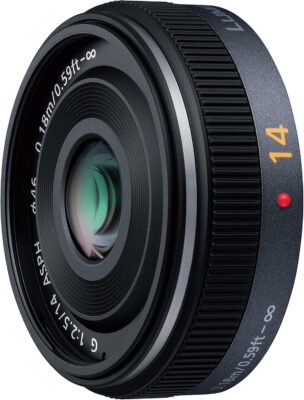
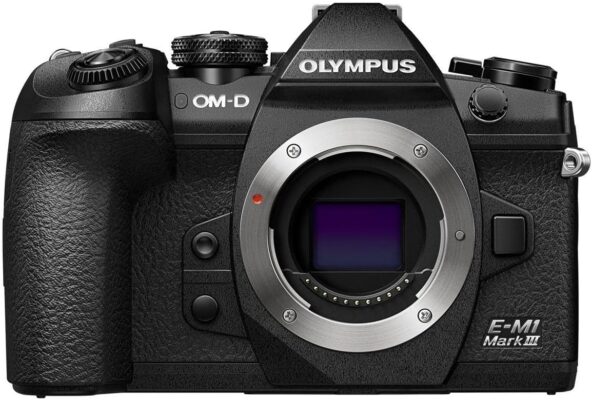
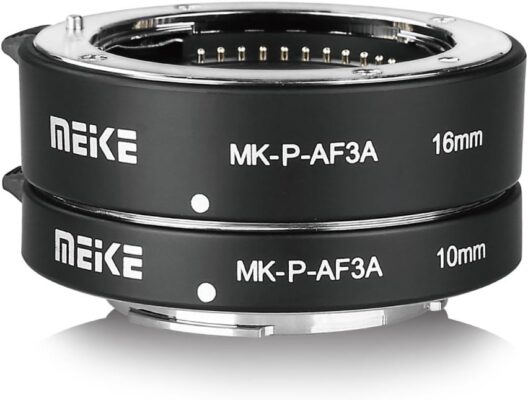
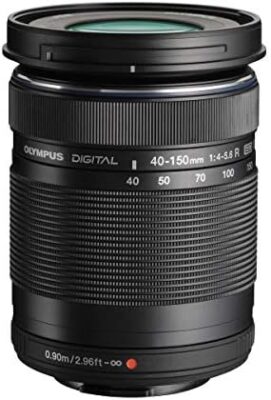
Skip to main contentSkip to toolbar About WordPress rentl. Ctrl+KOpen command palette 00 Comments in moderation New UpdraftPlus Howdy, Rentl Screen Options Add New Gear Add title Kit Test Permalink: https://rentl.shop/gear/kit-test/ Edit Move up Move down Show or hide panel Preview(opens in a new tab) Status: Draft EditEdit status Visibility: Public EditEdit visibility Publish immediately EditEdit date and time Move to Trash Move up Move down Show or hide panel All Categories Most Used Accessories Cameras Gaming Lenses Rentl Kits + Add New Category Move up Move down Show or hide panel Add New Tag Separate tags with commas Choose from the most used tags Move up Move down Show or hide panel Registered Users (0) No registered users yet. Guests (0) No guest favorites yet. Move up Move down Show or hide panel Set featured image Move up Move down Show or hide panel SKU Leave blank to auto-generate (CAM-0001, LEN-0001, ...) Gear Archive Order Pin to top of the Gear Archive Bundle This is a bundle Components 2×1.5m Reversible Black/White Collapsible Studio Backdrop60cm 5-in-1 Collapsible Multi-Disc Light Reflector7Artisans 7.5mm F2.8 Fisheye LensBenro IS05 Portable Light Aluminum Alloy TripodGeneric Auto Focus Macro Extension Tube Set for Micro Four ThirdsGodox TT350O Mini Thinklite TTL Flash for Olympus/Panasonic CamerasGodox TT685O Thinklite TTL Flash for Olympus/Panasonic CamerasGodox X1T-O TTL Wireless Flash Trigger Transmitter for Olympus/PanasonicMeike 35mm F1.7 LensMeta Quest 3SNintendo DS Lite (Coral Pink)Nintendo DS Lite (Metallic Rose)Nintendo DSi (Metallic Blue)Nintendo Switch (Neon Red/Neon Blue)Olympus FL-LM3 Clip-On FlashOlympus M.Zuiko Digital 45mm F1.8 LensOlympus M.Zuiko Digital ED 14-150mm F4.0-5.6 II LensOlympus M.Zuiko Digital ED 40-150mm F4.0-5.6 R LensOlympus OM-D E-M1 Mark III Mirrorless CameraOlympus OM-D E-M5 Mark II Mirrorless CameraPanasonic Lumix DMC-GH2 Mirrorless CameraPanasonic Lumix DMC-GM1 Mirrorless CameraPanasonic Lumix DMC-GX85 Mirrorless CameraPanasonic Lumix G 14mm F2.5 ASPH. LensPanasonic Lumix G 25mm F1.7 ASPH. LensPanasonic Lumix G Vario 12-32mm F3.5-5.6 ASPH. LensPanasonic Lumix G Vario 14-42mm F3.5-5.6 ASPH. LensSelens RM-UC1 Cable Shutter Remote Control for OlympusSigma 56mm F1.4 DC DN Contemporary LensTRIOPO 90cm Octagon Softbox with Speedlite BracketYunteng VCT-288 Monopod with Fluid Pan Head and Unipod HolderZoom H1n Handy Recorder Ctrl/Cmd-click to select more than one. This item is only bookable as a set - if any component here is tied up in an approved rental of its own, this bundle shows "Unavailable" and can't be added to cart until it clears, without needing to be manually marked Not Available. Items that are themselves bundles aren't listed - a bundle can't contain another bundle. Pricing Auto - a % of the components' current combined price Discount % (100 = no discount, kit costs exactly the components' combined price) 95 In Auto mode, Daily Price below is computed and kept in sync automatically - recalculated every time this item is saved, and again whenever any of its components' own price changes on their own edit screen. It isn't directly editable while Auto is selected. Known Quirks Quirks or caveats worth a renter knowing before they book - e.g. "Menu system is Japanese-only". Shown inside the Rent card, right above the device notice (Cameras/Gaming) - not a tab, so it's seen without needing a click, right next to the Add to Cart/Rent Now buttons. Leave empty for a normal item with nothing to flag. e.g. Menu system is Japanese-only Add Description Add MediaVisualCode Daily Price (₱) 0 Daily Price, Student (₱) ₱0.00 (50% off the regular rate — change in Settings → Rentl) Honor-system rate - self-declared at checkout via the "I'm a student" toggle, not verified. Deposit (₱) ₱0.00 (50% of daily rate — change in Settings → Rentl) Quantity 1 Compatibility Group e.g. Canon RF or PS5|Console Optional, pipe-separated. Items sharing at least one tag are recommended together on each other's page — never blocks a rental on its own. Availability Status Available Gallery Media Select / Update Media Select photos or video files, in the order you want them to appear. The first item is the card preview and the share image, so keep that one a photo — a video can't be used there. Reordering and saving updates the carousel to match. Media Tag Details Tag each photo or video Official (a real Rentl capture of this exact unit) or Sourced (a manufacturer/reference item). Leave the caption blank to use the standard blurb for that type, or type your own to override it just for this item. YouTube Videos Paste a YouTube URL or video ID Optional. Paste the full YouTube URL or just the video ID — either works. Multiple videos: comma-separated, in the order you want them to appear. Shown last in the gallery, after everything in Gallery Media above. For an embedded YouTube video specifically — a self-hosted video file belongs in Gallery Media instead. YouTube Tag Details Tag each video Official (a real Rentl staff video of this exact unit) or Sourced (a manufacturer/reference video). No auto-detection here — a video isn't a file on this server, so there's no EXIF to read; every video needs tagging by hand. Click away from the field above after editing it to refresh this list. Rental Stats 0 days rented — 0 times rented Counts once a rental for this item is marked Completed. Features Custom feature Add Specs Table A saved spec's label is locked to whatever it was set to (preset or custom) — switching between the two is what was silently losing labels. To change a label, remove the row and add a new one; the value stays freely editable. + Add Spec Includes What physically comes with this item on pickup - not a marketing feature, e.g. "Battery", "Charger", "Carrying Case". e.g. Battery, Charger Add Thank you for creating with WordPress.Version 7.1
View Details →