Your Memory Card Is Not a Backup. Here’s the Copy-Twice Habit
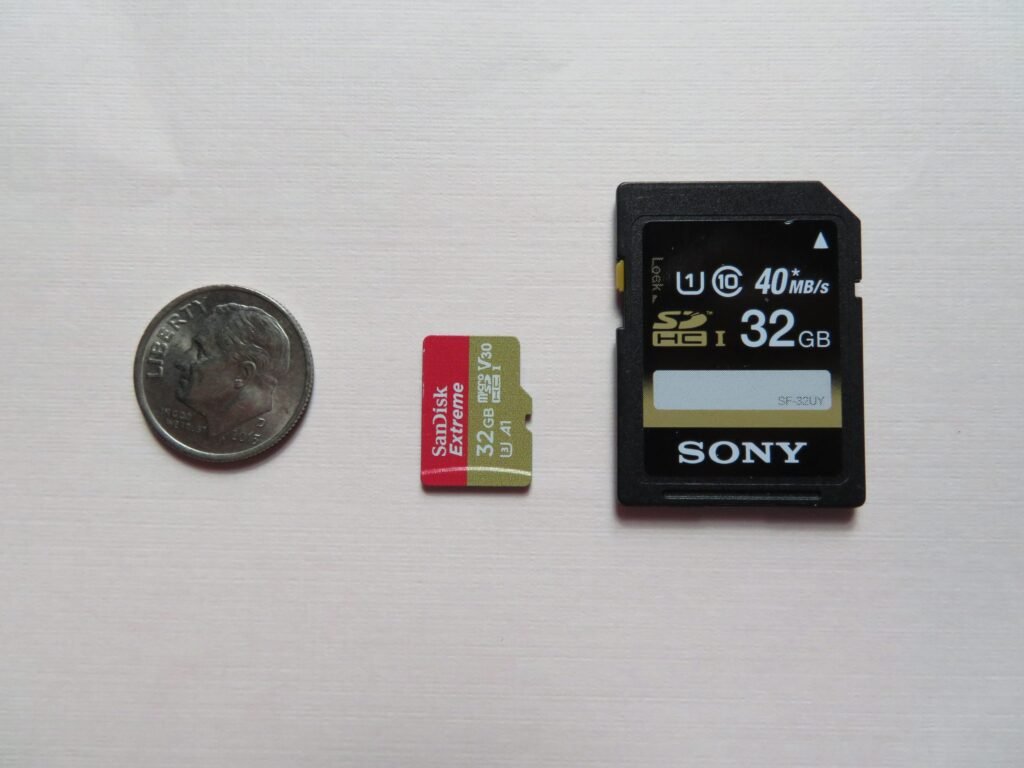
At the end of a shoot, every photo and clip exists in exactly one place: the memory card. Cards are reliable. The SD Association says a typical card lasts ten years or more in normal use, and that the real figure depends on how the card was made. But a card that lasts is not the same as a backup. A card can be lost, dropped or formatted by mistake, and when the only copy goes, so does the shoot.
Keeping a shoot going, with spare batteries and a second card slot, is covered in Two Is One, One Is None. This piece starts after the last frame, with what to do with the files before the card is used again.
The copy-twice habit
The habit has four steps, and the order matters:
- Copy everything from the card to a computer.
- Copy it again to a second place, such as a flash drive, an external drive or an online (cloud) account.
- Check both copies: open a few files from each and make sure the file count matches the card.
- Only then format the card.
The point is two copies off the card. If one fails, the other is still there. Phone photos work the same way, with the phone standing in for the card.
Why the card is formatted last
Formatting erases what is on a card, and recovering files afterward is not something to count on. The SD Association’s own advice for getting photos back from a card is to contact the card’s manufacturer, since the Association provides no recovery tools itself. Checking two copies first takes a few minutes.
Two copies is a solid habit. The next question is whether it is enough, and there is a well-known rule that answers it.
Where the 3-2-1 rule fits
The 3-2-1 rule is widely credited to the photographer Peter Krogh. CISA, the United States cybersecurity agency, describes it as a guideline: three copies of important files, on two different types of storage, with one copy kept off-site. Its example pairs a hard drive with the cloud.
The copy-twice habit gets close. It leaves two copies, ideally on different kinds of storage. The rule wants three, with one kept somewhere other than where the others sit, so a single accident cannot reach all of them. CISA also advises testing that a backup can actually be restored, which is what step three does in miniature.
An online account is the simplest way to get that off-site copy, because the files end up somewhere other than the home and the devices in it. Free accounts are the usual starting point, and each provider sets its own limit:
- Google Drive: up to 15 GB, shared with Gmail and Google Photos
- OneDrive: 5 GB, shared with Outlook.com attachments and Microsoft 365 apps
- Dropbox: the free plan includes 2 GB
- iCloud: 5 GB with an Apple Account
Video can fill a small free allowance quickly. If free space runs short, paid services exist. Backblaze is one example: a subscription that backs up a computer’s files, including connected external drives, and offers a free trial. Uploads take time with any of them, so an online copy suits the shoots that matter most. The limits above are the providers’ own figures as of November 2026 and can change.
A shoot is over when the files exist in more than one place and the card is free to use again.
Written by

The official Rentl crew. Gear guides, rental tips, and news from the shop — written by the team behind the site.