Your SD Card’s Biggest Number Isn’t the One That Matters
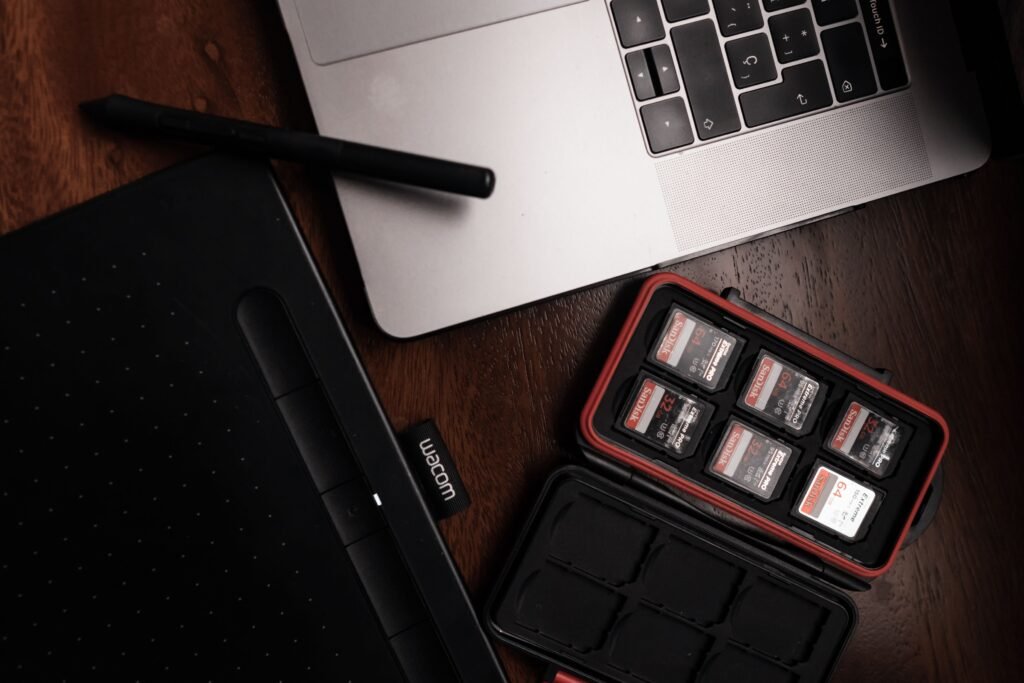
Flip over an SD card and there is a lot of printing on it. A capacity, a big number like “up to 200MB/s”, and a few small symbols: a 10 inside a C, a number inside a U, a V followed by more digits. Most buyers read the capacity and the big number, then check out.
The big number is usually the least useful one on the card.
The headline speed is a best case
That “up to” figure is a peak, measured under the manufacturer’s own test conditions. It says how fast the card can go on a good day, not how slow it can get. A camera recording video or firing a long burst needs the opposite answer: the slowest the card will write while it keeps going.
The speed class markings exist to answer that second question. They describe a minimum sustained write speed, a floor the card is supposed to stay above.
Decoding the symbols
Three marking systems share the label, added over the years as video got more demanding.
- Class 10 (a 10 inside a C): 10 MB/s minimum. The oldest system, aimed at HD video.
- U1 and U3 (a number inside a U): the UHS Speed Class. U1 guarantees 10 MB/s and U3 guarantees 30 MB/s.
- V6, V10, V30, V60 and V90: the Video Speed Class. The number is the minimum in MB/s, so V30 means 30 and V90 means 90.
U3 and V30 promise the same 30 MB/s floor. The V marking is newer, and it is the only one that goes beyond 30, which is why cards built for demanding video carry it.
The SD Association, the group that sets the standard, puts 4K video at 60 frames per second on U3 or V30 and up. Cameras with heavier video modes often list their own minimum in the manual, and that figure beats any general rule.
The slot has to keep up too
A card is only half of the equation. UHS-I, the older interface, tops out at 104 MB/s. UHS-II reaches 312 MB/s. A UHS-II card in a UHS-I-only slot falls back to UHS-I speeds, so the faster card gains nothing in a camera that cannot use it.
Two-slot cameras can mix the two. The Olympus OM-D E-M1 Mark III, the body behind the second-slot backup habit, has UHS-II in slot 1 and UHS-I in slot 2. Guides for the camera advise putting the faster card in slot 1, since writing large RAW files to both slots at once can pull both down to UHS-I speeds.
What a slow card looks like
A card that falls short rarely fails loudly. A burst starts fast, then crawls once the camera’s internal buffer fills and has to wait on the card. Video recording can stop partway through. The SD Association notes that a card below a host’s needs may stop recording or make the host wait.
Fakes add another layer. Mislabeled cards that report more capacity than they hold, or write slower than the label claims, are common enough to be documented on the Secure Digital reference page. Buying from a reputable seller is the simplest defense.
A quick check before buying
- Look up the speed class the camera’s manual asks for.
- Match the card’s UHS type to the slot, not just the class.
- Compare cards by their U or V symbol, not the “up to” number.
- Buy from a seller that can be trusted to sell the real thing.
Written by

The official Rentl crew. Gear guides, rental tips, and news from the shop — written by the team behind the site.